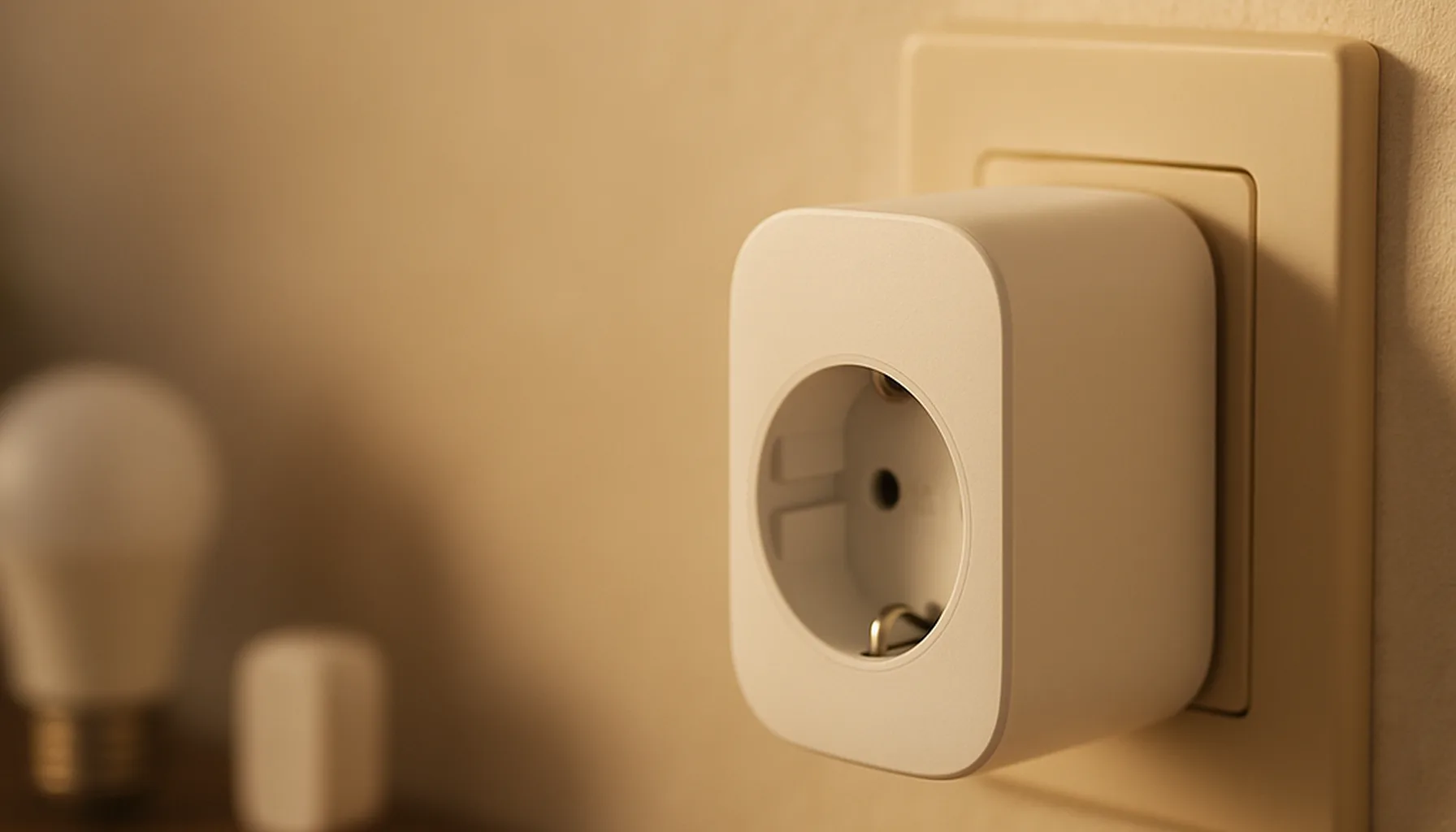
Short answer: The cheapest Zigbee range fix is not a dedicated extender — it’s a smart plug. Any mains-powered Zigbee device repeats the mesh for free, and a plug earns its keep while it sits in the wall. On our own 46-device network we killed the dead zones by moving the coordinator to a better seat and planting a Sonoff S60ZBTPF in the weak zone. Under €20, ten minutes of work, done.
What we run
Our network is 46 Zigbee devices on a Sonoff ZBDongle-E coordinator, wired into a Home Assistant box with a 1 m USB 2.0 extension cable. Zigbee2MQTT handles pairing, and a dozen mains-powered plugs act as routers across the house.
That last part is the reason the network works at all. Our front door sensor, a battery-powered end device, would die on the far side of two brick walls — until a plug in the hallway started repeating for it. Same story at the back corner of the living room. No repeater hardware, no antenna kit: just plugs that were already doing a job.
Why Zigbee has dead zones
Zigbee is a mesh protocol, but “mesh” does not mean “every device talks to every device”:
- Battery devices are end devices. A door or motion sensor only talks to one parent (usually a router or the coordinator). It never repeats traffic — it can’t afford to spend battery power doing it.
- Only mains-powered devices route. Plugs, bulbs, and powered hubs repeat messages for their neighbours. No mains device nearby, no mesh — just a long, weak hop to the coordinator.
- 2.4 GHz is a busy band. Your WiFi, Bluetooth and microwave share it. Walls, concrete floors and thick internal walls all eat signal.
So a dead zone is almost always the same diagnosis: an end device whose only route to the coordinator is too long or too blocked. The fix is not a stronger antenna; it’s a router placed between the two.
Fix 1 — Give the coordinator a better seat
Before you buy a single repeater, check where the coordinator sits. This is the highest-leverage fix we found, and it costs nothing:
- Get it central. Ours moved from a wall corner to the middle floor, and devices on the opposite side immediately reported stronger links.
- Pull it away from the server. A coordinator jammed between USB 3.0 ports and a WiFi radio loses range before it starts. One metre of USB 2.0 cable fixes most of that — the extension cable is the cheapest “reliability hack” in all of Zigbee, and it’s the first thing I’d do.
- Keep it off the floor. Radio waves travel better at desk height than behind a sofa at floor level.
If the coordinator’s position is bad, repeaters just compensate for a problem you can remove for free.
Fix 2 — Plant a router where the mesh is thin
Now find the dead zone and put a mains-powered device between it and the coordinator. We used the Sonoff S60ZBTPF for exactly this: it’s a Zigbee 3.0 plug with energy monitoring, it doubles as a repeater, and it costs roughly what a dedicated extender costs — while actually being useful.
The trick that avoids headaches:
- Pair the plug next to the coordinator first. Pairing in the dead zone can attach the plug to the wrong parent and it stays stuck there even after you move it.
- Move it to the weak area and give it a minute. The plug re-routes through the best available parent.
- Plug something boring into it, so the router is never “wasted” — a lamp, a charger, a ventilator.
Same logic applies to any mains Zigbee device: a smart bulb in a hallway light often fixes the next room too. Plugs just happen to be the cheapest device that doesn’t sacrifice space.
Fix 3 — Read the map, not a single number
After you move things around, don’t guess — look at the network map:
- Zigbee2MQTT: the web dashboard shows every device and which parent it routes through. A battery device pointing at a distant router tells you exactly where the next plug belongs.
- ZHA: Home Assistant shows the network graph plus per-device link quality in device info.
- Link quality: treat one RSSI/LQI reading as a rough hint, not a verdict — Zigbee hops change constantly. We look for devices that consistently route through the wrong side of the house, not flaky numbers on a bad day.
If a device still drops after two plugged-in routers sit between it and the coordinator, check the device itself before buying more hardware — some sensors just have weak radios.
The honest caveats
- We don’t run a dedicated Zigbee extender. On paper a dedicated repeater does the same job; in practice a smart plug does it for the same money and keeps doing useful work. Yours is a fine choice if you already own one — the placement playbook above is identical.
- Firmware matters. Update plugs to current firmware before putting them on the network; a repeater with old firmware can be flakier than no repeater.
- Moving routers has a cost. Every time you power-cycle a router, its children re-negotiate parents. Do big mesh changes in the evening, and give the network an hour to settle before judging it.
- No repeater fixes a bad coordinator. If every device is weak everywhere, revisit the coordinator first — see our coordinator guidance for how we migrated 46 devices without re-pairing a single one.
Bottom line
Extend Zigbee range the cheap, honest way: seat the coordinator centrally with a USB 2.0 extension cable, plant a mains-powered router like the Sonoff S60ZBTPF in the dead zone, and confirm with the network map. Skip dedicated extenders unless you already own one. Ten minutes of placement beats €80 of hardware — every time.
Prices and availability checked 2026-09-23. Commissions are earned from qualifying purchases — see our affiliate disclosure.