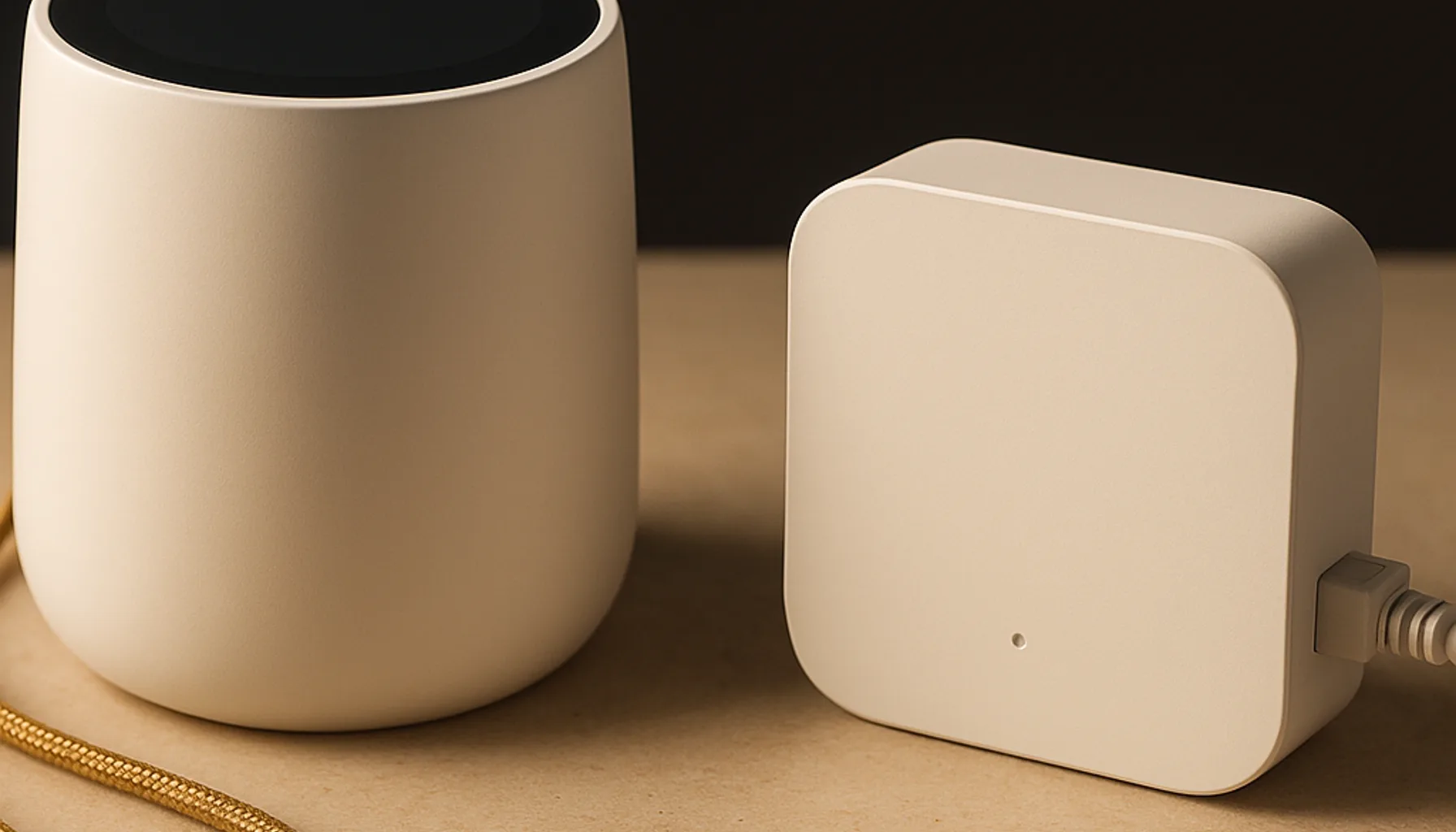
Short answer: the Aqara Smart Hub M3 and the Aqara Smart Hub M200 do the same four jobs — Zigbee hub, Thread border router, Matter controller, IR blaster — and differ in one number that matters: device capacity. Aqara’s own comparison puts the M3 at 127 Zigbee plus 127 Thread devices and the M200 at 40 plus 40. If you are building a house-wide Zigbee network on Aqara hardware, that ceiling is what you are paying for. If you are running 30 devices and want a Matter bridge, the M200 does the job for roughly half the money.
On paper they are twins. In practice they are two different purchase decisions, and almost every comparison article gets this wrong by comparing the spec sheets line by line without asking what the box is for.
What these two boxes actually are
Both are small mains-powered hubs that sit between three radios and your phone: Zigbee (Aqara’s own devices), Thread (through IEEE 802.15.4), and your network (Wi-Fi, plus PoE on both models). Both are Matter controllers, meaning they can add and manage third-party Matter devices; both are Matter bridges, meaning Aqara devices can be exposed to Apple Home, Google Home and Home Assistant as Matter devices; both include a 360° IR blaster for air conditioners and TVs.
That overlap is unusual. Most hubs pick one role. Aqara ships the whole set in both the M200 and the M3, which is exactly why the choice is confusing: the feature list stops being a differentiator, and capacity, local processing, and price become the whole decision.
The five criteria that decide it
Ranked by how much they change the answer, not by how impressive they sound:
- Device capacity. 127 + 127 versus 40 + 40. This is the only hard ceiling on the list.
- Local versus edge automations. Both run automations locally; the M3 is positioned as an edge hub, which is what Aqara calls automations that keep running on the hub itself without the cloud round-trip. Both still need the cloud for push notifications — a detail Aqara states on its own M200 page.
- How you reach Home Assistant. Through Matter, in both cases. Neither exposes its Zigbee network natively to ZHA or Zigbee2MQTT.
- Power and placement. Both take USB-C and PoE. PoE is the reason either of these is interesting next to a €25 USB stick: one cable to the ceiling or the meter cupboard, no server needed nearby.
- Price. Measured, not assumed — see the last section.
Spec sheet: M3, M200 and the M100 in between
From Aqara’s own hub comparison table (fetched 25 November 2026):
| Smart Hub M3 | Smart Hub M200 | Smart Hub M100 | |
|---|---|---|---|
| Role | Edge hub | Local hub | Local hub |
| Zigbee devices | 127 | 40 | 20 |
| Thread devices | 127 | 40 | 20 |
| Matter controller | Yes | Yes | Yes |
| Thread border router | Yes | Yes | Yes |
| IR blaster | Yes | Yes | Yes |
| Speaker | 95 dB | 90 dB | — |
| Wi-Fi | 2.4/5 GHz | 2.4/5 GHz | 2.4 GHz |
| Power | USB-C, PoE | USB-C, PoE | USB-A (plug-in) |
Two rows carry the decision. Capacity: 40 Zigbee devices is a flat; 127 is a house with a sensor on every window, a valve on every radiator and a plug in every room. Edge versus local: the M3’s automations are designed to run on the hub, the M200’s run locally too but the hub is not sold as an edge computer.
The M100 is in the table for one reason: if your plan is “a few Aqara sensors and a Matter bridge”, it is the honest answer and the cheapest one. It has no PoE and no dual-band Wi-Fi, so it does not belong next to a rack.
Where the M3 earns the extra money
- You are going past 40 Zigbee devices. Not “maybe later” — if your plan is a sensor per window, a valve per radiator and a plug per room, you will hit 40 within a year and then you buy the M3 anyway. Paying twice is the expensive route.
- You want the hub doing the work. Every automation that runs on the hub instead of the cloud is one that still works when your internet does not.
- You want one box at the meter cupboard. PoE plus 127 devices means a single cable in the utility room covering the whole house, with no HA server there.
Where the M200 is the smarter buy
- You are under 30 devices and will stay there. A flat with door sensors, two plugs and one valve does not need a 127-device ceiling.
- Home Assistant already does your automations. If your logic lives in HA, the hub is a radio and a Matter bridge, and a bridge does not care how big its SoC is. This is the case for most readers of this site.
- You want to test the ecosystem before committing. €56 to find out whether Aqara’s app and Matter bridge suit you is a cheap experiment; €110 is a decision.
The catch: a closed ecosystem, and Home Assistant through Matter
This is the part the spec sheets do not say, and it applies to both hubs equally.
Aqara devices pair best with an Aqara hub, and the hub’s own automations live in Aqara’s app. Home Assistant sees the hub as a Matter bridge, not as a Zigbee coordinator — so you get the devices Aqara chooses to expose, through Matter, and you do not get Zigbee2MQTT’s device pages, its quirks, its external converters, or its direct control of things like TRV valve position.
Concretely: if you want one Zigbee network that Home Assistant owns end to end, neither of these is the right purchase — that is a coordinator, and we compare those in the hub guide. If you want a hub that also speaks Matter and Thread to Apple and Google, and you accept Aqara’s app as the automation layer, both of these are good at it. The Zigbee vs Matter piece covers the protocol side in more depth.
What we run, and what we did not test
Our house runs Zigbee2MQTT on a SONOFF ZBDongle-E, coordinating 46 devices, with Home Assistant doing the automations. We use Aqara sensors — door/window, motion P1, FP2 presence, leak T1 — on that network, so we know the devices; we have not run either of these hubs long-term, and I am not going to invent a month of uptime.
What is measured: prices and buy-box availability on the three markets we track, on 23 November 2026, plus the manufacturer specifications above, fetched 25 November 2026. What is judgement: which of the two fits your house, and that argument is in the two sections above, not hidden in a score.
Verdict: which one to buy
- Buy the M3 if you are building an Aqara-centred house and expect to pass 40 Zigbee devices, or if you want the hub to carry automations on its own.
- Buy the M200 if Home Assistant does your thinking, your device count is modest, and you want Matter and Thread for half the money. For most people reading this, that is the answer.
- Buy neither if what you actually want is a Zigbee network Home Assistant owns completely. Then you want a coordinator, and the branded hub is a detour. Our guide to whether you need an Aqara hub at all walks that decision through for sensors you already own.
Prices and where to buy (measured)
In our 23 November 2026 check the M3 sat at €109.99 on amazon.de and €111.99 on amazon.nl, the M200 at €55.99 on both — a ratio of roughly two to one, which is what the capacity and edge-processing difference costs. Both were buyable on all three markets that day, which is not a given in this category: several Ethernet coordinators in the same price band had no buy-box on amazon.co.uk when we measured them.
Prices move. Check the listing before you order, and check the device count you actually have before you pay for a ceiling you will not reach.