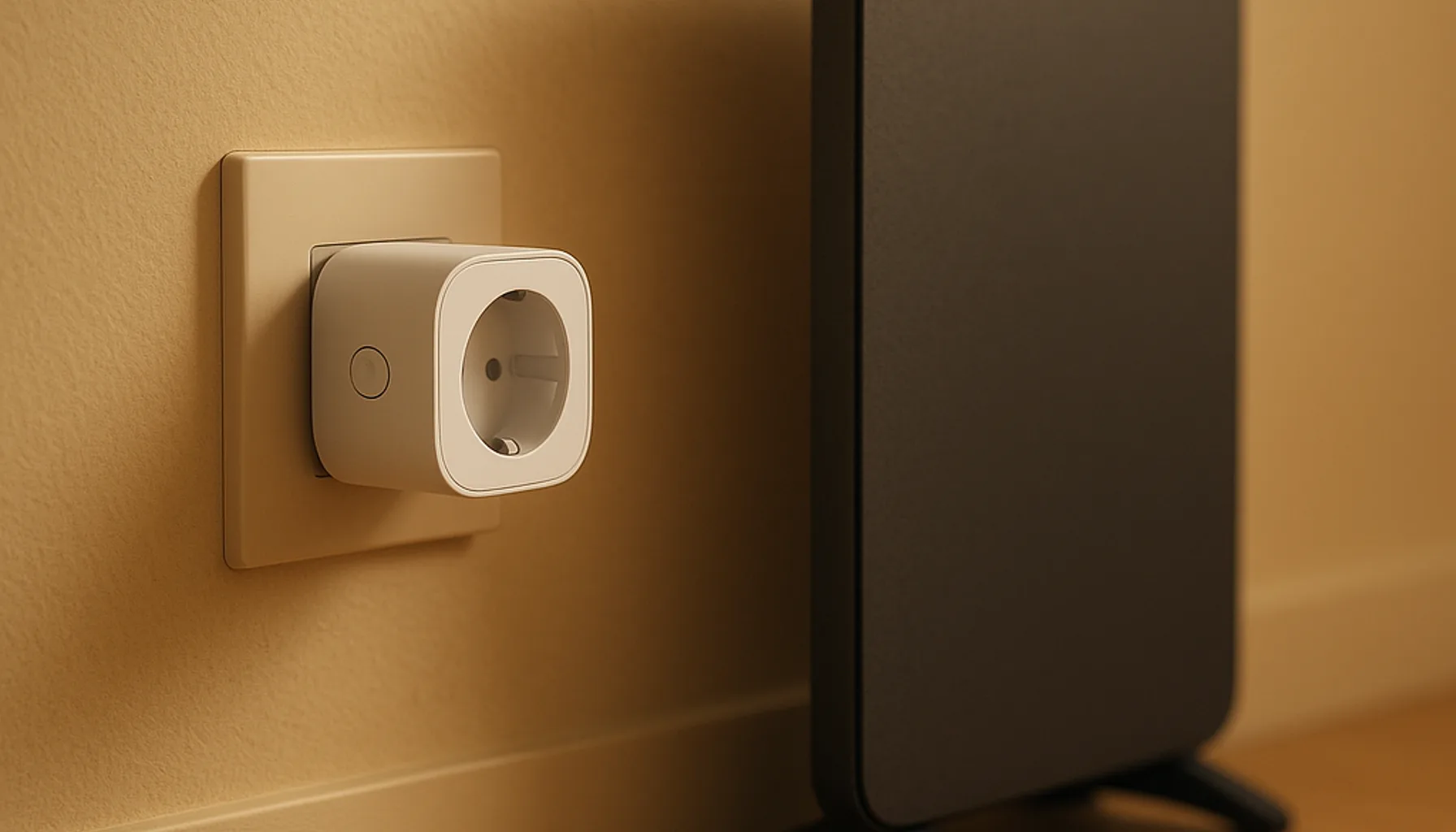
Short answer: if you want a smart plug in front of a heater, buy a 16 A Zigbee plug with power metering — the SONOFF S60ZBTPF (around €15–20) is the one we’d pick, with the Innr Indoor Smart Plug as the alternative if you already live in the Hue app. The plug’s job is not to be the thermostat. Its job is to measure what the heater really draws and to be a hard off you can trust when you’re not in the room. The thermostat on the heater stays in charge of safety.
I’ll be honest about why I ended up writing this one. I couldn’t resist putting a plug on our panel heater — it’s a one-line automation, and the energy graph is genuinely interesting. Then I looked at the numbers on the plug’s own display, did the arithmetic, and realised the interesting part isn’t the graph. It’s that most “my smart heater setup” stories online are built on a 10 A Wi-Fi plug, a coiled extension lead, and a 2 kW heater. That combination is not a smart home. It’s a fire waiting for a schedule.
Why a heater is the one appliance I automate carefully
Everything else in my house is a low-stakes automation. A lamp that switches on at sunset? Nothing happens if it fails. A washing machine notification? Worst case I re-run a load. A heater is different for three boring, physical reasons:
- It draws real current, continuously. A 2 kW heater is 8.7 A at 230 V, and unlike a kettle it holds that for hours. Plugs, sockets and cables get warm and stay warm.
- It is designed to produce heat, and heat spreads. A plug sitting in the same corner as the heater’s hot air exhaust has a much harder life than a plug behind a television.
- It runs unattended, often at night. That is exactly when you want the failure mode to be “off”, not “on and forgotten”.
So the useful automation is not “turn the heater on when it’s cold”. The useful automation is “cut the heater when anything looks wrong” — high power, nobody home, window open, plug overheating, network lost. Turning it on is the easy half and the heater’s own thermostat already does it better than Home Assistant can.
The shortlist: two plugs that fit the job
| Device | What it is | Why it fits a heater | Price (approx.) |
|---|---|---|---|
| SONOFF S60ZBTPF | Zigbee 3.0 plug, 16 A, power and energy metering, doubles as a Zigbee repeater | Metering is the point: you see the heater’s real draw and its runtime, and the 16 A rating leaves headroom for a 2 kW unit | €15–20 |
| Innr Indoor Smart Plug | Zigbee plug, 16 A, current measurement, works with Hue as well as ZHA/Zigbee2MQTT | The better pick if the household already runs a Hue bridge, and it repeats Zigbee traffic like the SONOFF | €20 (DE), 2-pack only on NL |
| Cheap 10 A Wi-Fi plug | Cloud-only plug, usually no metering, 10 A rating | We would not put a heater on one. 10 A is 2,300 W in theory and much less in practice once a warm plug sits in a warm corner | €8–12 |
Two practical notes before you order. The Innr ships as a single pack on amazon.co.uk and amazon.de but only as a 2-pack on amazon.nl, so the per-plug price differs by marketplace — check the pack size. And both plugs measure power (W) and energy (kWh); a plug that only does on/off can still cut power, but then you’re guessing, and guessing is what this guide is trying to get you out of.
What “16 A” actually means on a heater — and the 10 A trap
This is the part worth reading twice, because it’s where the real risk sits.
| Heater | Typical draw at 230 V | Share of a 10 A plug’s rating | Share of a 16 A plug’s rating |
|---|---|---|---|
| 500 W panel / tubular heater | 2.2 A | 22% | 14% |
| 1,000 W panel heater | 4.3 A | 43% | 27% |
| 1,500 W oil-filled radiator | 6.5 A | 65% | 41% |
| 2,000 W convector or fan heater | 8.7 A | 87% | 54% |
| 3,000 W fan heater (UK-style) | 13.0 A | 130% — over the rating | 81% |
A 10 A plug is not automatically dangerous at 2 kW, but it has almost no margin: the plug body, the socket and the cable are all running near their limit for hours, and margin is exactly what you want in a device that also gets warm from the room. Keeping a continuous load under about 80% of the plug’s rating is the rule I use, and it’s why a 16 A plug is the sensible default for anything with a heating element.
Three more real-world details:
- Fan heaters have a start-up surge and a mechanical switch that stays “on” after a power cut. If your plug restores power at 3 a.m., a fan heater on the floor can start by itself. Convectors and oil-filled radiators don’t have a fan, but they do have the same switch behaviour.
- Extension leads are the weak link, not the plug. A coiled 13 A lead that is still coiled when 2 kW runs through it turns into a heater of its own. If a lead is needed, uncoil it fully, keep it flat and out of the way, and use a single socket — never a multi-socket tower feeding a heater.
- Touch the plug after an hour of running. Warm is normal. Hot enough that you pull your hand back is not: that’s telling you the socket is old, the contacts are loose, or the plug is undersized. Nothing in a Home Assistant dashboard replaces that check.
The automation: three states, one heater
Here’s the version I actually run, simplified. It never turns the heater on by itself at full blast; it allows it inside a window and cuts it on any anomaly. Replace the entities with your own.
alias: Heater - guarded control
mode: single
trigger:
  - platform: numeric_state
    entity_id: sensor.study_temperature
    below: 18
    id: cold
  - platform: state
    entity_id: person.me
    to: "not_home"
    id: away
  - platform: numeric_state
    entity_id: sensor.heater_plug_power
    above: 2300
    for: "00:02"
    id: overpower
  - platform: time
    at: "23:00:00"
    id: curfew
action:
  - choose:
      - conditions:
          - condition: trigger
            id: cold
          - condition: numeric_state
            entity_id: sensor.study_temperature
            below: 18
          - condition: state
            entity_id: person.me
            state: "home"
          - condition: time
            after: "06:00:00"
            before: "22:30:00"
        sequence:
          - service: switch.turn_on
            target:
              entity_id: switch.heater_plug
      - conditions:
          - condition: or
            conditions:
              - condition: trigger
                id: away
              - condition: trigger
                id: curfew
              - condition: trigger
                id: overpower
        sequence:
          - service: switch.turn_off
            target:
              entity_id: switch.heater_plug
          - service: notify.mobile_app_yourphone
            data:
              title: "Heater off"
              message: >-
                Heater switched off ({{ trigger.id }}). Power was
                {{ states('sensor.heater_plug_power') }} W.
What makes this safe rather than clever:
- The heater’s own thermostat is still the first line of defence. This automation only decides whether the heater is allowed to run. If the plug dies, the heater behaves like a dumb heater, which is a state the manufacturer designed for.
- The power trigger is the watchdog. If the plug ever reports a number above the heater’s rating, something is wrong — a different device plugged in, a failing element, a socket problem. Cut it and tell me.
- Off-first logic. Every branch that isn’t explicitly “heat” ends in
switch.turn_off. That’s deliberate: an automation that fails should fail cold. - No rapid switching. A 0.5 °C band with no hysteresis makes a relay click every few minutes for an hour, which is both noisy and pointless. Give it a 1 °C gap or let the heater’s thermostat do the cycling.
What we run in our own home
Our network is 46 Zigbee devices on Zigbee2MQTT with Home Assistant, and plugs are the least glamorous, most reliable part of it — the SONOFF S60ZBTPF and the Innr plug both sit in our daily automations, and we’ve written about them in our smart plug guide and in the washing machine notification setup.
What we can honestly claim: we trust these plugs’ power readings to tell a 2 kW heater apart from a 300 W lamp, and we’ve had them report for months without dropping off the mesh. What we can’t claim: that we’ve run a 2 kW heater through a plug for a whole winter with thermal logging, or that we’ve fire-tested anything. We haven’t, and we’re not going to pretend otherwise. Where the guide gets specific about amps, heat and extension leads, that’s electrical arithmetic and the manufacturers’ ratings, not our own stress test.
That distinction matters here more than in any other guide on this site. A “tested in a real home” badge on a heater setup would mostly be a story about luck.
Energy data: what a heater actually costs per night
This is the part that pays for the plug. Most people have no idea what their heater draws because the number is hidden behind an annual bill.
| Heater | Hours per night | At €0.25/kWh | At €0.35/kWh | Per 30 nights (€0.30/kWh) |
|---|---|---|---|---|
| 750 W | 8 h | €1.50 | €2.10 | €54 |
| 1,500 W | 8 h | €3.00 | €4.20 | €108 |
| 2,000 W | 8 h | €4.00 | €5.60 | €144 |
Two things fall out of that table. First, a €18 plug is a rounding error next to a €100/month heater, which is why measuring before automating is worth the week of data. Second, “the heater is on all night” is often not true: once you can see the kWh per night, you usually find the room reaches temperature in two hours and the heater then cycles at a fraction of full power. That’s a schedule you can shorten, not a heater you need to replace.
Useful additions if you already have the sensor: put a SONOFF SNZB-02D temperature sensor in the same room so the automation reads the room rather than the heater’s own thermostat, and log both values in Home Assistant. Ten days of temperature-and-power data tells you more about your heating than any product page.
Five mistakes that actually cause problems
- A 10 A plug on a 2 kW heater. 87% of the rating, for hours, in a warm corner. Use a 16 A plug or a lower-powered heater.
- A coiled extension lead. The lead heats itself, and the plug is blamed later. Uncoil, keep it flat, one socket.
- Multi-socket towers with a heater in them. Those strips are rated for laptops and lamps, and the heater is usually the last thing added.
- Treating the automation as the thermostat. No hysteresis, no separate temperature sensor, and a relay that clicks all evening. Let the heater cycle; let the automation guard.
- A plug hidden behind the sofa or under a rug. Heat has nowhere to go. Keep the plug in free air and check it with your hand in the first week.
Bottom line
For a heater in 2026 the right buy is a 16 A Zigbee plug with power metering, and the SONOFF S60ZBTPF is the one we use: cheap enough to buy two, accurate enough to show you what the heater really draws, and strong enough (16 A) that a 2 kW heater sits at about half its rating instead of near the top. If your household already runs Hue, the Innr Indoor Smart Plug does the same job inside that app. Add a SONOFF SNZB-02D in the room if you want the automation to read temperature rather than guess it.
We rate the approach 4.3 out of 5, not higher: the plug gives you measurement and a hard off, which is genuinely most of what a retrofit needs, but it doesn’t make the heater itself safer. The thermostat, the cable and the socket still have to be right — and the two things this guide cannot do for you are touching the plug after an hour of running and reading your own kWh number before you build a schedule.
Prices and marketplace availability checked 2026-11-16. Ratings are ours, based on daily use of the plugs on our own Zigbee network; heater figures follow the manufacturers’ stated wattages at 230 V. Commissions are earned from qualifying purchases — see our affiliate disclosure.