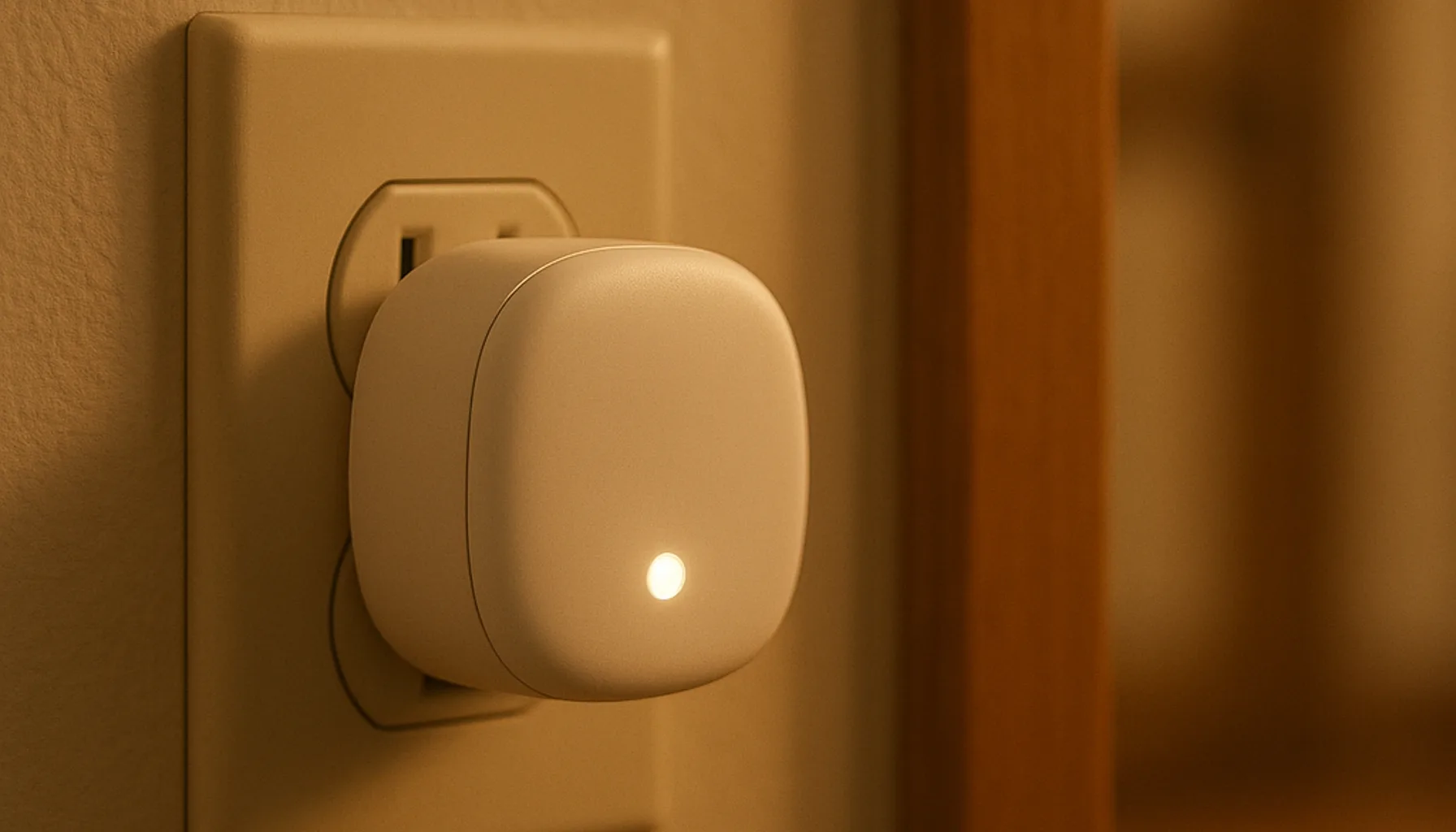
Short answer: For 2026, the best “Zigbee router” you can buy into a Home Assistant network is usually not a router at all — it’s a mains-powered smart plug. Any mains-powered Zigbee device repeats the mesh for free, and a plug keeps earning its keep while it sits in the wall. Our pick is the Sonoff S60ZBTPF: under €20, a working repeater from day one, and it does something genuinely useful besides repeating — switching and metering power. A dedicated Zigbee extender only makes sense in a handful of cases where you can’t physically put a plug or bulb there. More on that below.
What a “Zigbee router” actually is
First, kill the marketing image: a Zigbee router has nothing to do with the Wi-Fi router under your desk. In Zigbee terms, a router is any mains-powered device that participates in the mesh: it receives messages from battery-powered end devices (sensors, remotes) and forwards them toward the coordinator. It is the relay of the network.
That’s the whole trick. There is no secret “router hardware” inside a dedicated extender that a plug doesn’t already have — both carry the same Zigbee radio and both route equally well. The real differences are the price and what else the device does while it routes. Battery-powered devices can’t route at all; they only ever talk to one parent device. If a battery sensor sits in a dead zone, no firmware update will fix it — something mains-powered needs to sit closer to it.
Do you need a dedicated repeater at all?
Usually not — and anyone selling you a “repeater” as a near-necessity is overselling the category. If you have a dead zone, the cheapest fix is a plug or bulb you were going to buy anyway. Mains-powered plugs, smart bulbs and powered hubs all route by default; you don’t configure anything, you don’t pair anything extra.
A dedicated Zigbee extender (the IKEA TRETAKK-style wedge, or USB “signal booster” sticks) does the same radio job — but on paper it does one job, for roughly the same money as a plug that keeps switching and metering while it routes. That’s a poor trade for most homes.
When a dedicated extender does make sense, it’s a short list:
- Space constraints — you need routing exactly where only a compact wedge fits (behind furniture, in a corner where a plug would physically block nothing but looks wrong).
- No smart device wanted — a location where you refuse plugs or bulbs on principle or for aesthetics.
- Outdoor/garage edges — a spot a plug casing isn’t rated for, though we’d honestly pair an indoor plug near the wall rather than trust off-brand outdoor repeaters (YMMV, and firmware quality there is a lottery).
Most buyers never hit any of those. Dead zones are a placement problem first, a hardware problem second.
The best Zigbee routers in 2026
With the caveat that “best” here really means “most honest way to route”:
- SONOFF S60ZBTPF — our pick and the one we run. Zigbee 3.0 plug with energy monitoring (check price); it routes as soon as it’s paired, no extra setup. Costs about the same as a dedicated extender while also switching and measuring power. The energy-monitoring angle is genuine extra value, not marketing fluff — we use it in our own energy tracking.
- Any mains-powered Zigbee bulb you already own — a bulb in a hallway light often fixes the next room too. Zero cost if you already run Zigbee lights; it’s the same radio, same routing.
- IKEA range extender style wedges — popular, cheap, genuinely fine hardware. We haven’t run one 24/7 in our own home, so we’ll be honest: research and community reports, not our network. If the form factor suits you, they work — they’re just not a better deal than a plug.
- USB “signal booster” sticks — the ones to be careful with. Many are old Zigbee 1.2/3.0 radio mismatch, with firmware that was never updated and isn’t updateable. We wouldn’t put one on a modern Zigbee 3.0 network without verifying the radio chipset and firmware first.
What we run and why
Our network is 46 Zigbee devices on a Sonoff ZBDongle-E coordinator, running Zigbee2MQTT on Home Assistant. A dozen mains-powered plugs act as routers across the house; we run zero dedicated extenders. When a dead zone appears, we plant a smart plug between the weak device and the coordinator, using the placement playbook we documented in our range-extending guide — pairing next to the coordinator first, then moving the plug to the weak area.
The result after that routine: no repeater hardware, no antenna kits, no extra pairing — just plugs that were already doing a job. Placement beat hardware every single time.
The honest caveats
- Dedicated extenders aren’t evil — they’re just rarely the best deal. If you already own one, use it; the placement playbook is identical.
- Firmware is a lottery. Update any plug’s or repeater’s firmware before putting it on the network. A router with old firmware can end up flakier than no router.
- Moving a router has a cost. Every power-cycle makes its child devices re-negotiate parents. Do mesh changes in the evening and give the network an hour to settle.
- No repeater fixes a badly placed coordinator. If everything is weak everywhere, revisit the coordinator first — our coordinator guide covers that, including how we migrated 46 devices without re-pairing.
- We can’t test every router brand 24/7, and we won’t pretend otherwise. Everything above is grounded in our own mesh (46 devices, documented) plus community research.
Bottom line
Buy the Sonoff S60ZBTPF — or reuse any mains Zigbee device you already own — plant it between the dead zone and the coordinator, update the firmware first, and only reach for a dedicated extender when a plug or bulb physically can’t sit where routing is needed. That’s the whole “Zigbee router” category in 2026: a relay problem, not a hardware problem.
Prices and availability checked 2026-10-05. Commissions are earned from qualifying purchases — see our affiliate disclosure.