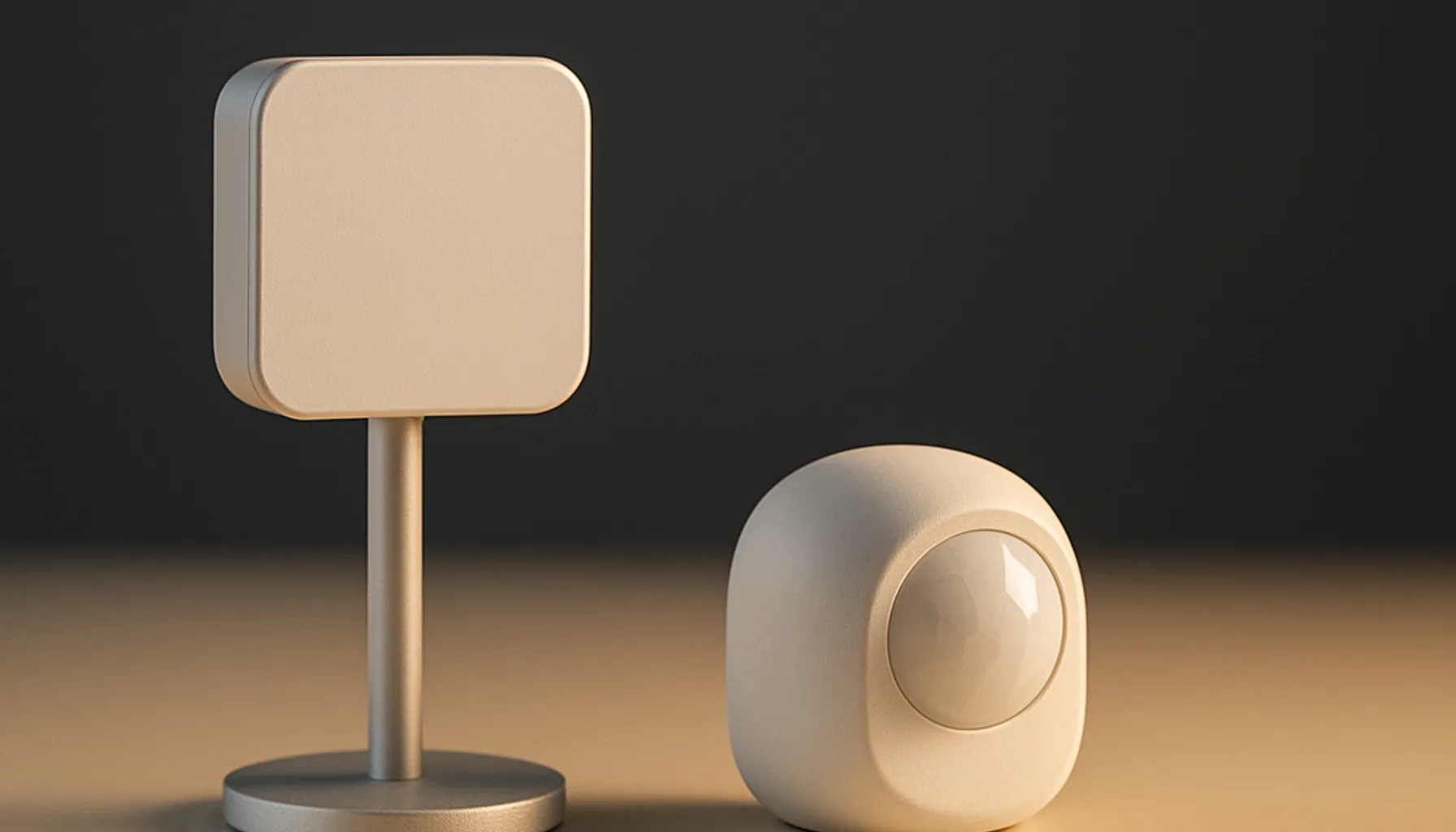
Short answer: these two sensors are not competitors, and that is the whole point. The Aqara Motion Sensor P1 is a €20 Zigbee PIR that answers one question — did something move in this corridor — instantly, on a coin cell, for years. The Aqara Presence Sensor FP2 is an €84 wired 60 GHz radar that answers a harder question — is a person still in this room, and where — and asks for permanent USB power, a Wi-Fi network and a tuning session in return. Buy the P1 for pass-through spaces and the FP2 for the one room where you sit still and the lights keep dying on you.
That is the short version. The long version is the part the spec sheets leave out: the FP2 is the most overhyped device in the 2026 smart-home catalogue and the only one that solves a real problem. Both statements are true, and which one matters depends entirely on the room.
What the FP2 and P1 actually are
They don’t even speak the same protocol, which is the first thing most comparison posts get wrong:
- P1 (MS-S02): Zigbee 3.0 motion sensor. PIR element, coin cell, Aqara’s 5-year battery claim, adjustable timeout from 1 to 200 seconds, and a built-in light sensor so an automation can say “only if it’s dark”. It joins your existing Zigbee network — Zigbee2MQTT or ZHA — like any other end device.
- FP2: 60 GHz mmWave radar with zone positioning, multi-person detection and fall detection. It is not a Zigbee device: it runs on 2.4 GHz Wi-Fi, needs USB-C power permanently, and reaches Home Assistant through the HomeKit Controller integration after you set it up in Aqara’s app.
So “FP2 vs P1” is really “Wi-Fi radar vs Zigbee PIR”. If your smart home is built on a Zigbee coordinator and nothing else, the FP2 is a small architectural exception you have to accept before you order it — not a detail you discover afterwards.
What we run (and what we haven’t)
Our own setup: a 46-device Zigbee network on a Sonoff ZBDongle-E coordinator with Zigbee2MQTT, Aqara door/window and vibration sensors in a documented garage-door build, and PIR-based motion detection for the spaces you only walk through. That is real-home experience and it is why I trust the P1 argument.
The FP2 is where I have to be straight with you: we have not run one 24/7 in our own home. Everything below about the radar is based on the manufacturer specification, the Home Assistant integration documentation and the owner reports that keep repeating the same three complaints. I’d rather tell you that than invent a fortnight of testing. If you want the buying-level comparison of the two technologies instead of these two products, that’s the PIR vs mmWave guide.
Head to head: the five things that decide it
| Aqara Motion Sensor P1 | Aqara Presence Sensor FP2 | |
|---|---|---|
| Technology | PIR (infrared motion) | 60 GHz mmWave radar |
| Protocol | Zigbee 3.0, joins your coordinator | Wi-Fi 2.4 GHz + HomeKit Controller |
| Power | Coin cell, years | USB-C, permanent |
| Detects | Movement | Presence, position, multiple people |
| Timeout | 1–200 s, configurable | No timeout — presence clears when the room is empty |
| Price | €19–28 | around €84 |
| Failure mode | Lights go off while you sit still | False presence from fans, curtains, thin walls |
Two rows in that table decide almost every purchase. Power rules the FP2 out of hallways, cupboards and anywhere you don’t want a cable. Timeout rules the P1 out of desks, sofas and bathrooms, because a PIR cannot tell “sitting still” from “gone”.
Where the P1 wins
- Hallways, stairs and the front door. The job is literally “someone moved”, the sensor is on battery, and a 30-second timeout is exactly right.
- Anywhere with no socket. The FP2 wants permanent USB power; a P1 on a coin cell can live on a door frame for years.
- Latency. PIR triggers on the first step. Radar needs a moment of processing before it reports, and in owner reports that delay is small but noticeable for “light on the instant the door opens” automations.
- Cost per room. At €20 you can put one in every corridor, garage and utility room for the price of one FP2.
- It stays on your Zigbee network. One coordinator, one mesh, one backup, no second app and no Wi-Fi device to keep patched.
The catch, and it’s the reason this page exists: the P1 is a motion sensor. Sit at a desk for twenty minutes and it reports “clear”. Your automation turns the light off, you wave at the ceiling like an idiot, and the light comes back. Everyone who works from home has done this.
Where the FP2 earns its price
- Rooms where people stay still. Home office, living room sofa, bathroom. This is the only genuine fix for the waving-at-the-ceiling problem, and it’s worth real money if you work from home.
- Zones instead of one big blob. You can define areas in the room — desk, bed, door — and automate on the area rather than the whole room. “Desk light only when someone is at the desk” is a different class of automation from “room occupied”.
- Multi-person and fall detection. Useful for elder-care setups, and the honest caveat is that these features are the ones most likely to need firmware fixes; treat the marketing claims as claims.
- Local by default. Once paired through HomeKit Controller the presence data stays in your house. No cloud round-trip for the automation itself, which is more than most Wi-Fi sensors can say.
- One device, several jobs. Presence, position, light level and (per spec) fall detection in one box means fewer sensors on the wall.
The catch is the flip side: this is a device you tune, not a device you mount. Sensitivity, zones and interference all have to be dialled in, and that session is where most returns happen.
The catches nobody mentions
- The FP2 is a Wi-Fi device in a Zigbee house. A 2.4 GHz Wi-Fi sensor competing with your access point in the same room is a new failure mode. If your Wi-Fi is marginal in that room, fix that first.
- Zones are configured in Aqara’s app, not in Home Assistant. Home Assistant gets the occupancy entities the device publishes; the geometry lives in the vendor app. That is a real dependency, and it’s the part of the FP2 I like least.
- Radar sees through thin walls if you over-crank it. The most-reported tuning failure is a “someone is here” trigger from the neighbouring room or from a ceiling fan. Start conservative, then tune up — never the other way round.
- PIR has a cooldown. The P1’s configurable timeout is a feature in a hallway and a bug at a desk. Set it per room, not once globally.
- The P1’s official support line is Zigbee2MQTT’s problem. Aqara’s own documentation says third-party coordinators are not officially supported. In practice the P1 works on ZHA and Zigbee2MQTT — the community has run it for years — but you are relying on the community quirk database, not on Aqara support.
- Firmware for both arrives through the Aqara app. Neither device is fully vendor-independent. If that bothers you, buy neither; if it doesn’t, budget for keeping one app installed.
- Prices move. The €84 figure is what we saw in mid-November 2026; radar sensors get discounted hard around Black Friday and equally hard in the other direction afterwards.
What I would buy first
Buy one P1 first, in the hallway or the room where the light switch annoys you most. It costs about €20, it pairs in a minute, and it will teach you whether your problem is detection or presence. Half the people who think they need radar actually need a longer PIR timeout and a second sensor.
Then, if the light still dies while you sit still — and only then — buy one FP2 for that one room. One. Not four. Mount it, run it for a fortnight, tune the zones, and see whether the radar behaves in your room with your fan and your curtains. That’s a €84 experiment with a resale value, which is a much better deal than a €340 mistake.
Verdict
The P1 is the default and the FP2 is the exception. At €20 the P1 is the cheapest correct answer for corridors, stairs, garages and any spot without a socket, and a Zigbee network full of them is a boring, reliable system. The FP2 is worth its €84 only in the specific room where you sit still and want the lights to know it — and it’s worth that money only if you’re willing to spend an evening tuning zones instead of trusting the box.
What I would not do: put radar in every room because a review called it “the future of presence detection”. Presence detection is a room-by-room decision, and the honest 2026 answer is that most homes need one of each — the P1 where people pass through, the FP2 where people stay. Pair whichever you pick with the same coordinator and the same automations, and check the presence sensor shortlist if you want the alternatives in one place.