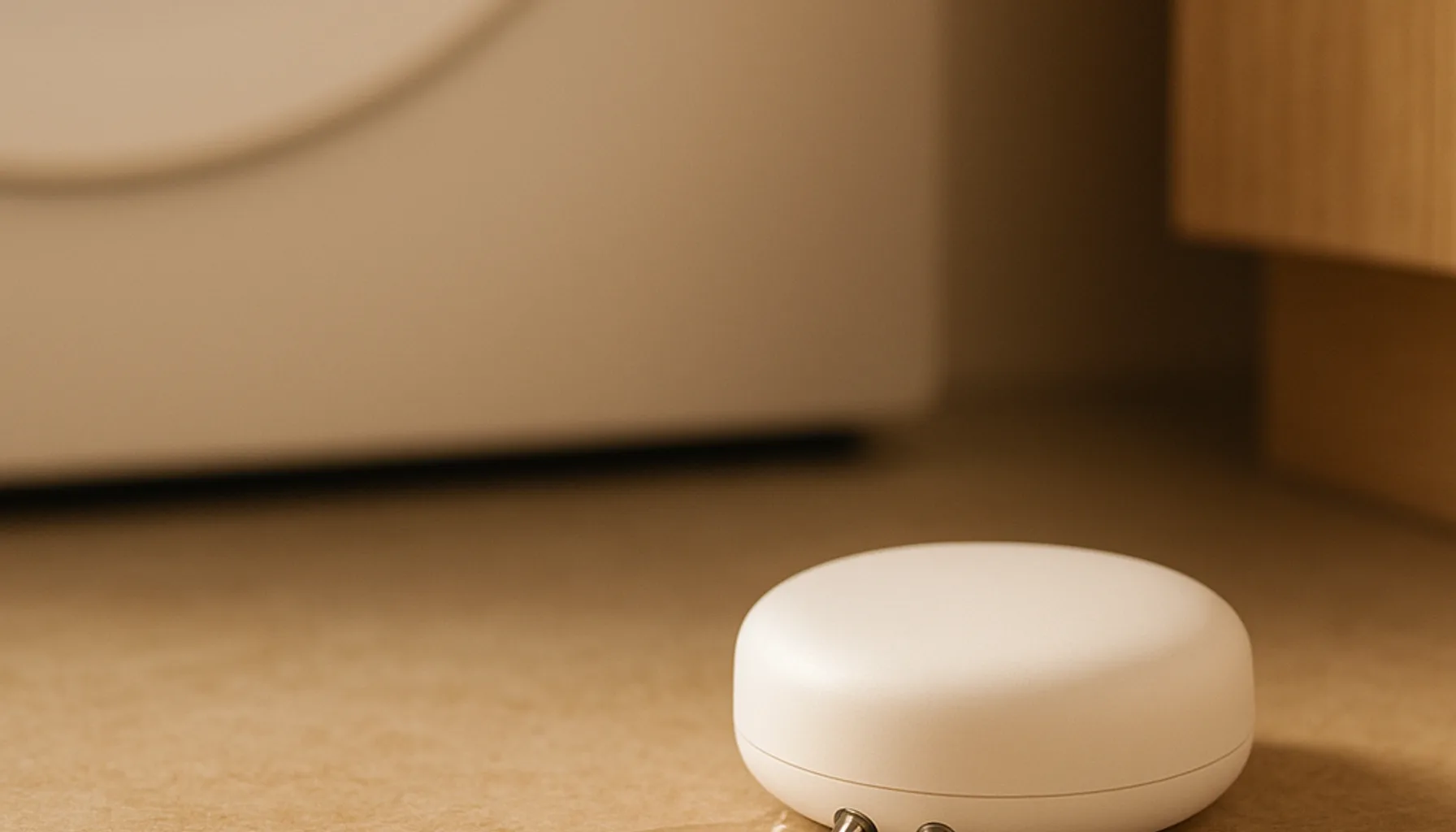
Short answer: the best Zigbee water leak sensor for Home Assistant in 2026 is the Aqara Water Leak Sensor T1. It’s a Zigbee 3.0 flood sensor with instant leak alerts, a two-CR2032 setup that Aqara rates at two years, and — the bit that matters for a self-hosted house — it pairs with Home Assistant over Zigbee2MQTT or ZHA without being locked to an Aqara hub. Around €18–25 it’s the leak sensor that finally makes a water-cut-off automation feel achievable instead of a rabbit hole. Honest upfront: we run a 46-device Zigbee network in our own home, but we haven’t logged long-term 24/7 data on this exact T1 unit yet — the ranking below is built from specs, consistent marketplace reviews and the well-trodden ZHA/Z2M pairing path. We say exactly what that means further down.
Why a leak sensor is worth rigging up at all
Tinkerer’s confession: I love a good “it just works” hack, and a water sensor is the cheapest one that earns its keep silently. A washing-machine hose or a toilet fill valve doesn’t give you a preview — it floods. A leak sensor sits at the point of failure and gives you two things a smart home does best:
- A heads-up you’d otherwise miss. The sensor reads near-zero resistance between its two probes; the moment water bridges them it reports wet. That state change is what Home Assistant can hear and act on.
- A chance to shut it off. This is the part most guides skip. A leak sensor alone beeps; a leak sensor plus a smart valve or an appliance plug on the machine’s water inlet means the house can react before a floor is ruined.
In real homes, leaks aren’t dramatic pipe bursts — they’re the slow drip under the sink, the failed dishwasher seal, water pooling behind the washing machine. Those are exactly the spots a probe-based flood sensor catches and a humidity sensor doesn’t.
Where to put them
You don’t need one sensor — you need a handful in the right holes. The pattern that works (and that I’d wire into any home):
- Under the kitchen sink — the highest-risk, highest-value spot in most houses.
- Behind/under the washing machine and dishwasher — the second classic. If there’s a drip tray, sit the sensor in it.
- Near the water heater / boiler — utility rooms are the silent death spots.
- Under the bathroom sink and beside the toilet fill valve.
A corner on the floor is fine, but the ideal is flat on its back so the exposed probes can actually touch water. Wet floor, beeping, Home Assistant alert, valve closes — the whole chain runs on one cheap sensor per zone.
The shortlist
| Sensor | Zigbee | Battery (claimed) | HA via Z2M/ZHA | Price (approx.) |
|---|---|---|---|---|
| Aqara Water Leak Sensor T1 | 3.0 | 2 years (2× CR2032) | Yes, no hub needed | €18–25 |
| Aqara Water Leak Sensor (classic, SJWS01LM) | 1.2/2.0 | ~1–2 years | Yes, but hub-required on some listings | €15–20 |
| SONOFF SNZB-02D | — | — | temp/humidity, not a flood sensor | €13–18 |
The T1 wins because it’s the modern part: Zigbee 3.0, a genuine Home Assistant pairing path on DE/NL listings (this is a real listing point, not marketing), and a battery claim that matches the “fit and forget” job. The classic SJWS01LM is still sold and cheaper, but several co.uk listings still carry the “Aqara hub required” warning, which is exactly the confusion you don’t want on your product page. On a translation note — I keep forgetting this — a leak sensor is not the SNZB-02D; that’s temperature and humidity. If you’re automating lights or climate you want the SNZB-02D; if you’re guarding against water you want the T1. Different probes, different job.
What we run and what’s honest here
Time for the transparency part, because “tested in a real home” is a line I won’t fudge. Our own network is 46 Zigbee devices on a Sonoff ZBDongle-E coordinator running Zigbee2MQTT on Home Assistant — the exact environment any leak sensor would join on our side, and the same one most of you will have.
What we can’t honestly claim yet: that this exact T1 has sat under our washing machine for a year with a logbook to show for it. We keep that line hard. What we can say from the paper trail: the T1 is a current-gen Zigbee 3.0 flood sensor with a consistent review matrix across the EU marketplaces, its DE/NL listings explicitly call out Home Assistant compatibility, and the ZHA/Zigbee2MQTT pairing path is identical to the one we use for the Aqara door/window and vibration sensors in our documented builds. If you buy one before we’ve logged our own long-run data, grade our confidence as informed-by-community rather than tested-by-us.
For pairing on a rig like ours: pair next to the coordinator first, let Aqara push its firmware update on first join, then place the sensor at its final spot and re-pair if it wanders — the same placement playbook as our Zigbee range guide and our motion sensor guide.
Wiring the water-cut-off automation
Here’s where a leak sensor stops being a novelty and becomes the piece I’d actually brag about. The trigger is a wet state; the automation is what makes it valuable:
- Trigger: entity
binary_sensorreportswet. - Immediate action: push a critical notification to your phone, and (if you have one) a mains-powered smart valve or a relay on the machine’s inlet closes the water.
- Fallback: sound an alarm via a Zigbee siren so someone in the house hears it even with their phone muted.
The catch to rig around: the sensor itself is battery-powered and wireless, but the thing that shuts off the water needs mains power — a solenoid on the supply line, or a smart plug feeding a pump. That’s the part that actually stops a flood. A leak sensor only ever detects; the cut-off is a separate, powered decision. Plan for both in one automation and you’ve built something genuinely useful.
One more tinkerer gotcha: don’t rely on the leak sensor to detect slow humidity buildup — it detects water contact, which is better for floods and worse for “the air is damp in here”. Pair it with a temperature/humidity sensor if you also want dew-point-style early warnings.
The honest caveats
- “2-year battery” is ideal-case. Zigbee always-on sensors drain faster in practice, especially with frequent state changes. Budget a spare CR2032.
- Zigbee 3.0 ≠ instant on every mesh. It pairs cleanly with a modern coordinator (ZBDongle-E, SLZB-06), but on an old Zigbee 1.2 mesh, classic Aqara sensors sometimes need a firmware nudge to cross the mesh happily. Update on first join.
- Detects contact, not volume. It tells you water is there; it doesn’t tell you how much. That’s fine for a heads-up — if you need flow rate, that’s a different sensor on the pipe.
- Co.uk listing sharp edges. The T1’s co.uk page still reads “Aqara Hub Required” even though DE/NL list Home Assistant compatibility and the community pairs it via Z2M/ZHA. If hub-compatibility warnings on a listing spook you, read it as Aqara’s official-support caveat, not a technical lock.
Bottom line
Buy the Aqara Water Leak Sensor T1 (UK / DE / NL, same listing) if you want the 2026 Zigbee leak sensor that fits a self-hosted setup: Zigbee 3.0, Home Assistant pairing, and a two-year battery claim from the most-ported brand in the category. Station them under the sink, behind the washer and near the boiler, and — most importantly — don’t stop at the beep: pair the sensor with a powered valve so Home Assistant isn’t just telling you about the flood, it’s stopping it. Pair near the coordinator, update firmware, then place. That’s the whole trick.
Prices and availability checked 2026-10-16. Commissions are earned from qualifying purchases — see our affiliate disclosure.