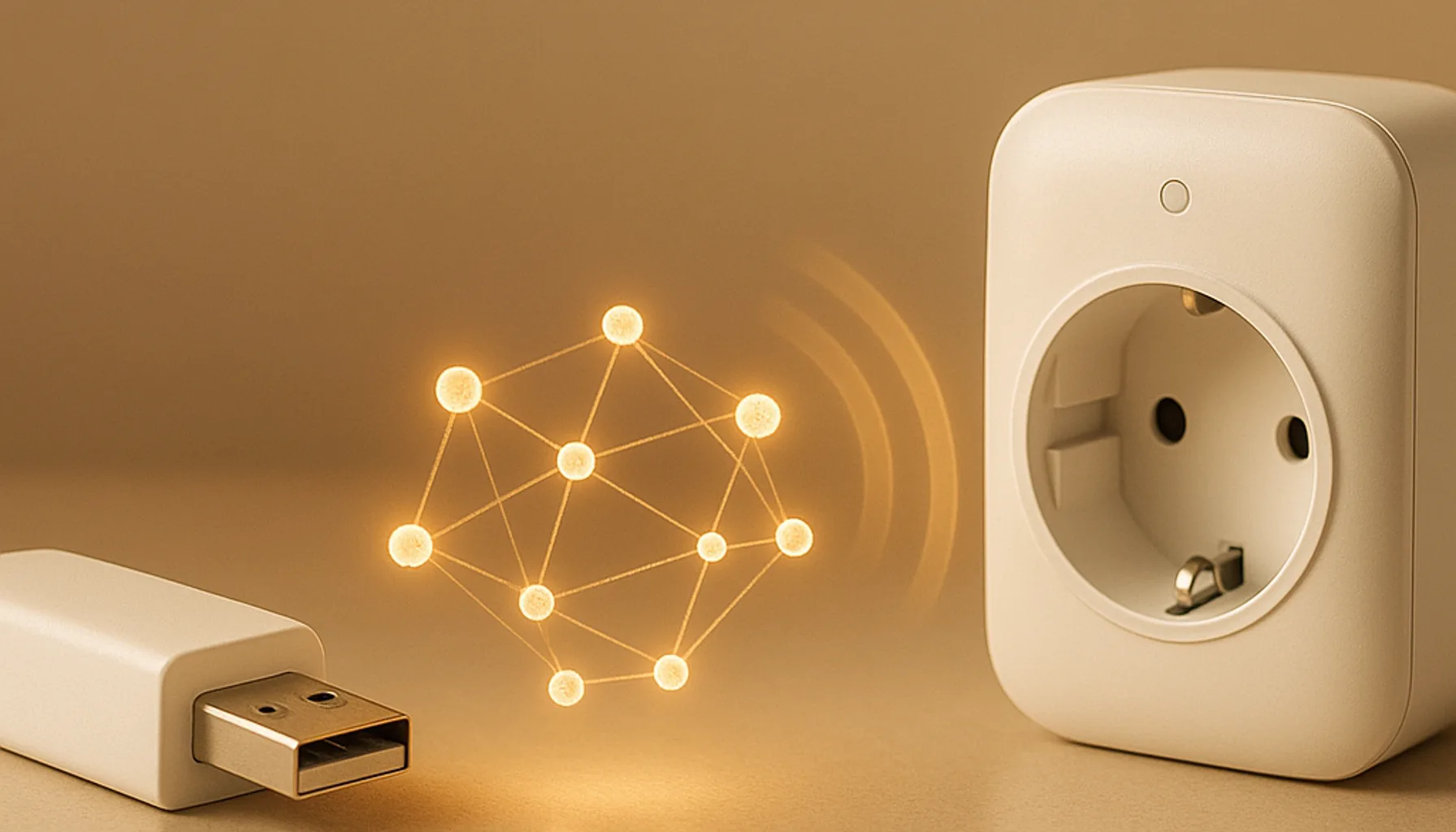
Short answer: the Zigbee coordinator is the single device that owns and runs your whole network — you need exactly one, and it’s the first thing you buy. Zigbee routers are mains-powered devices (plugs, bulbs, repeaters) that relay messages from battery sensors to the coordinator; you want as many of those distributed around the house as makes sense. The coordinator is the brain; routers are the network. In our home we run 46 Zigbee devices from one Sonoff ZBDongle-E coordinator, with smart plugs doing the relaying — here’s exactly how the two roles work and which one you need.
What a Zigbee coordinator actually does
Think of the coordinator as the file server, switchboard and gatekeeper of your Zigbee network. It’s the only device that can create a network, assign addresses, and keep the list of every paired device. When a battery sensor reports motion, it isn’t broadcasting to the internet — it’s sending that message toward the coordinator, which then forwards it into Home Assistant.
You literally cannot run Zigbee without one. If you’re on Home Assistant, your options are a USB stick (the Sonoff ZBDongle-E is the de-facto standard for Zigbee2MQTT) or a network-connected box like the SMLIGHT SLZB-06 over Ethernet/PoE.
Rules of thumb:
- Exactly one coordinator per network. Two coordinators on the same channel is how you get ghost devices and pairs that fight each other.
- It decides your software path. ZHA vs Zigbee2MQTT, USB vs Ethernet — you pick that stack with your coordinator.
- Where it sits matters. USB dongles belong on a short extension cable away from USB 3.0 ports and the server’s Wi-Fi; Ethernet coordinators fix that by living in the middle of the house.
What a Zigbee router actually does
A Zigbee router (often called a repeater or extender) is any mains-powered device that joins the mesh and relays traffic. Battery sensors can’t route — they only talk to one parent. So a relay in between is what carries a sensor’s message across the house to the coordinator.
Most people already own routers without realizing it: mains-powered smart plugs, smart bulbs, and powered hubs all route by default. The Sonoff S60ZBTPF smart plug is our standard workhorse — it’s a power switch and a Zigbee router in the same €20 package, so it keeps earning its place in the wall while it relays.
Dedicated repeater wedges exist (IKEA TRETAKK-style), but honestly:
- A smart plug or bulb does the same radio job plus something useful — switching, metering, lighting.
- Routers don’t need configuration. You pair them and Zigbee figures out the mesh by itself.
- More routers = stronger mesh. Every mains-powered device in a dead zone is a potential fix.
Coordinator vs router at a glance
| Coordinator | Router | |
|---|---|---|
| Role | Owns + runs the network | Relays messages through the mesh |
| How many | Exactly one | Many, spread around |
| Power | USB or Ethernet/PoE | Mains-powered (plug, bulb) |
| Addresses | Assigns them | Uses them |
| Must be first? | Yes, it creates the network | No, it joins |
Which one do you need first?
Buy the coordinator first, every time. Without it there is no network for routers to join. If you’re just starting out, grab the ZBDongle-E, pair a few sensors, and only then think about whether dead zones are worth fixing with router-plugs.
Once your network is growing, the interesting question stops being “router or coordinator” and becomes “where are my router devices sitting?” If you have 20+ devices but they all cluster near the server, some sensor in the far bedroom will struggle. That’s not a coordinator problem — that’s a router-placement problem.
What we run at home
Our 46-device network runs on one ZBDongle-E via a 1 m USB 2.0 extension cable, with Zigbee2MQTT. The routers are mostly S60ZBTPF plugs in the rooms where we also want power switching — each one doubles as a relay on that floor. We’ve also installed an Ethernet coordinator elsewhere in the house, which is what we recommend when the server lives in a closet and the mesh has to reach the living areas.
The practical lesson from running it: choose the coordinator carefully, then distribute routers where the sensors are — not where the power is convenient.
The honest caveats
- A router can’t fix a bad coordinator placement. If the coordinator sits in a Wi-Fi/USB-3 noisy corner, routers extend a network that’s already limping. Fix the base first.
- Battery sensors never route. No zigbee sensor is a router — don’t plan your mesh around them.
- Not every mains device routes well. Some cheap bulbs have flaky router firmware; a dedicated plug from a known brand (Sonoff, Aqara, IKEA) is the safer relay.
- Two coordinators ≠ twice the reliability. It’s a mesh with two bosses and devices fighting. One coordinator, many routers.
Bottom line
The Zigbee coordinator runs your network — buy exactly one and choose it deliberately, because it sets your software and placement for years. Zigbee routers are the relays that make a big house work: mains-powered devices like the S60ZBTPF plug do the job for free while they switch power. If you’re on Home Assistant with a growing number of sensors, that pairing — one good coordinator plus smart plugs scattered through the house — is the same formula we run on our own 46-device network.
Prices and availability checked 2026-10-26. Commissions are earned from qualifying purchases — see our affiliate disclosure.